Collaborators or Team? Here's the Difference on Callo

Two terms worth knowing:
Collaborator — someone in your Callo network that you've sent or received a connection request from.
Team Member — someone you've assigned to a specific project with their permission.
Overview
On Callo, the people you send and receive connection requests from are under the Collaborators tab in your side navigation.
We call them Collaborators — because everyone in the independent media world is, at some level, a potential creative peer. The producer you met on Callo and met up with at a festival. The director who sent you a request. The executive that reached out to learn more about you. When you connect with them on Callo, they become part of your collaborator network.
Think of it as your professional orbit. People you now know. People you already know and want them in your orbit. People you've chosen to stay close to.
But a collaborator on Callo doesn't always equate to a team member.
A team member on Callo is someone you've brought into a specific project. When you're ready to attach a director, a producer, a co-writer — you go to Project Team under Edit Project Details, find the member you've been building a relationship with who has agreed to be part of your project, and assign them to your team. They move from your wider orbit into your active project, it's intentional.
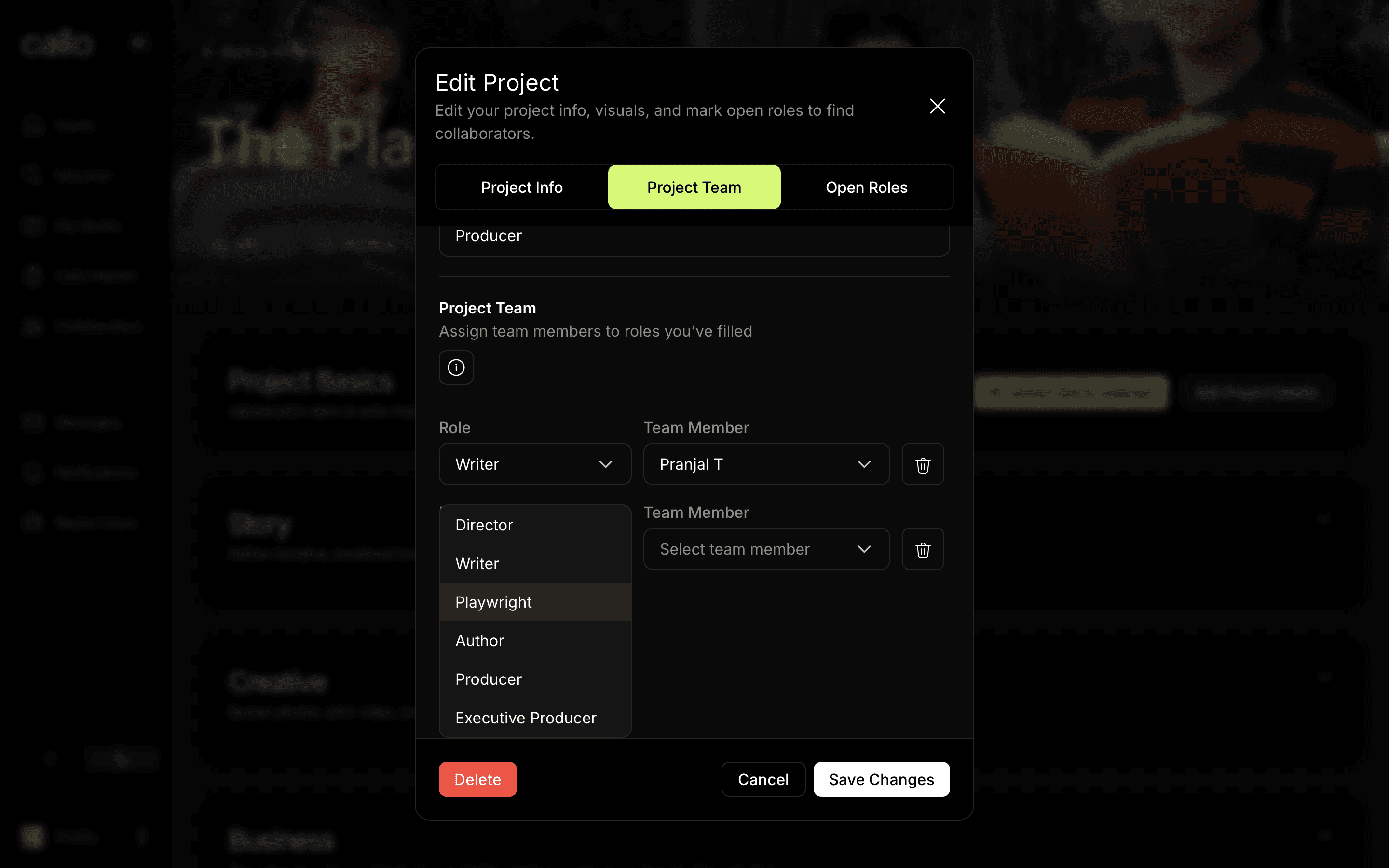
This distinction matters. Your collaborator network might have hundreds to thousands of people over time. Your team on any given project will have a handful. Your collaborators list is the entry point into those relationships. The team is where it moves into the next stage to build real work together.
So when you see "Collaborators" panel in your side navigation on Callo, that's a list of other members you've connected with. And when you see "Add to Team," that's where the real work begins in Studio.
Before you add someone to your team, make sure you have permission. Adding a team member signals an active working relationship — and it's best practice to have an initial collaboration agreement in place before you do, which can be found under Agreements in Studio. This is a simple written understanding of each person's role, contribution, and expectations, which protects everyone and sets the project up on solid footing.
Once you've invited the members to the team, they will show up under Team and you can expand their project access and editing capabilities.