What can I do in Studio?

Everything you can do in Studio
Creative projects rarely move in a straight line. Files get lost in email chains, spreadsheets multiply, and time zones complicate everything. Callo exists to take a project from idea to launch without the chaos, adapting to the way you work across formats, genres, and teams, so your project stays on track and your workflow stays clean. And you don't have to start from scratch. Bring what you already have, whatever stage it's in, and build from there.
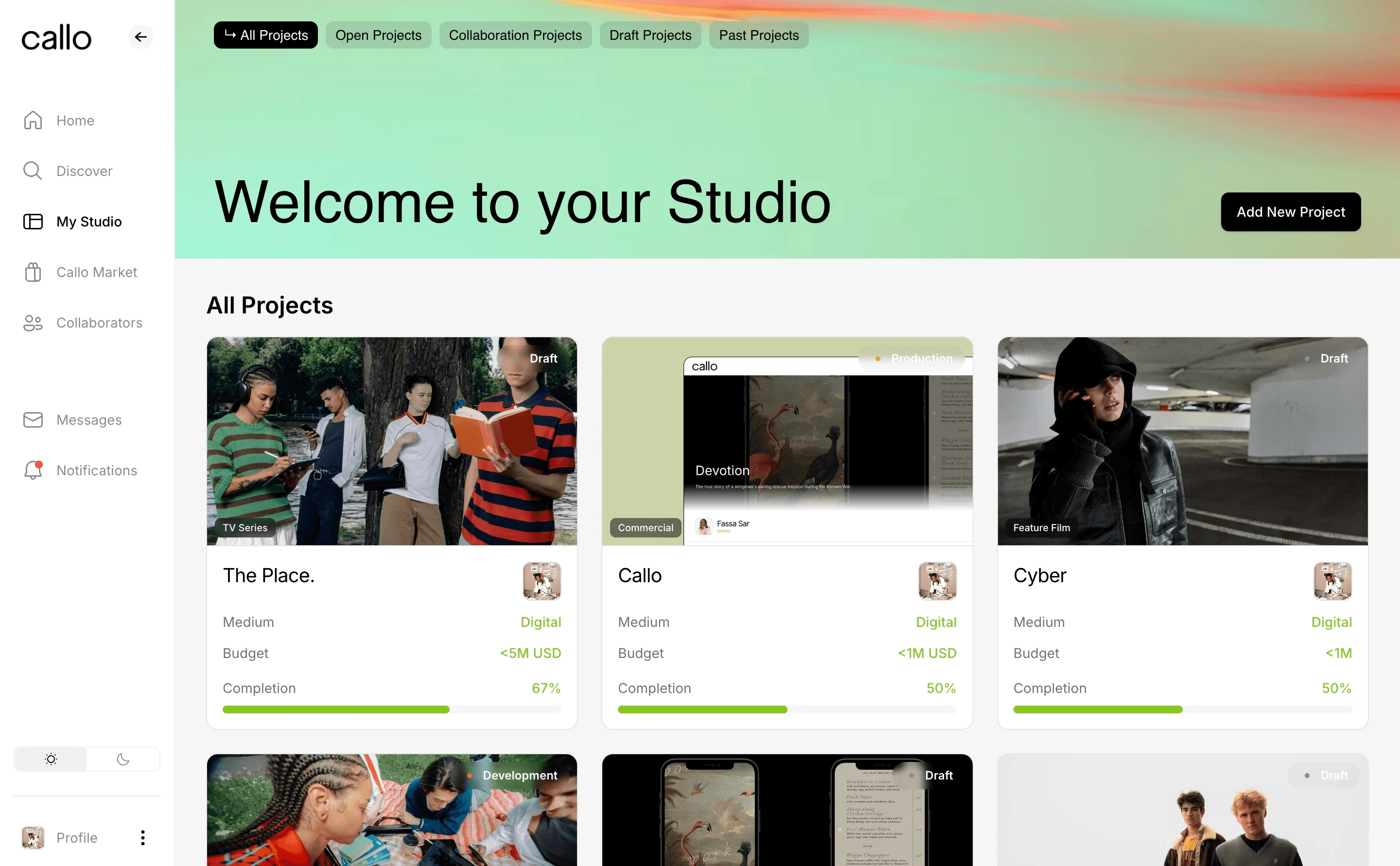
Studio is where that happens. It's your project's operational home on Callo, and every project gets its own set of pages, organized so that creative development, team management, and finances each have a clear, logical place. Here's how it all fits together.
Overview
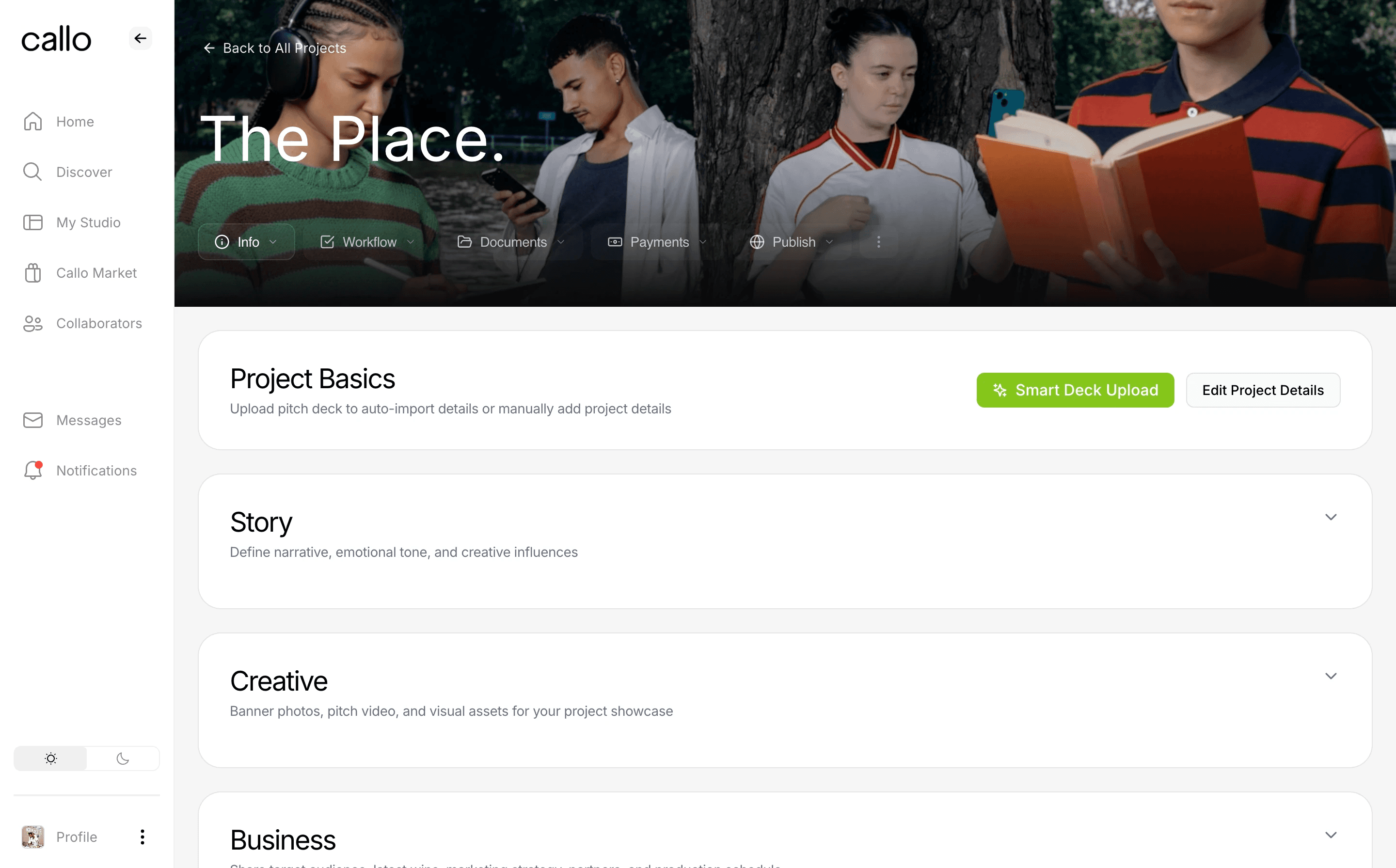
This is where your project lives and breathes. The project details page is here, and it's where you build out your logline, vision, target audience, strategy, key partners, production timeline, risks and challenges, press, pitch video, and imagery. Everything someone needs to understand your project at a glance, in one place.
The operational heart
This is where the daily work happens, split across a few tabs:
Feed — a shared team thread for milestones, updates, announcements, and files
Notes — a pitch tracking tool for logging and analyzing responses from potential collaborators
Tasks — assign, track, and manage work across your team, fed automatically by Notes, Readiness, and Payments
Market requests — manage inbound requests from Callo Market members wanting access to your project materials
Documents
Your project's paper trail, organized instead of scattered:
Materials — your digital asset vault for all project files and documentation
Agreements — store collaboration, option, and shopping agreements tied to your project
Readiness — a guidance tool that tracks which materials you've added and scores your project's market strength
Payments
Options — track option agreements and terms
Payments — record and monitor all financial transactions tied to your project
Project settings
This is where you control your project's visibility, sharing, and lifecycle. Share your project link, publish to market, export your project, save as a draft, make it public on your profile, or delete it. All in one dialogue.
Real-world use cases
Studio is built for creative projects of all shapes and sizes. Here's how different teams use it every day.
Creators and producers build a production team, assign development tasks, share updated scripts, and keep shooting schedules visible to everyone, whether they're on set or across the globe.
Podcasters manage episode calendars, upload scripts or audio drafts, assign editing tasks, and keep collaborators updated as the show comes together.
Creative executives share decks, gather feedback in one place, assign revisions, and track project phases from concept to delivery, without juggling multiple tools.
Writers and editors upload scripts, collaborate on revisions, track editing milestones, and stay aligned on deadlines and responsibilities.
Why Callo works to power your Studio
Unlike rigid tools that force your process into their template, Callo adapts to the needs of your project. Whether you're working across time zones, juggling formats, or managing a hybrid team, everything stays centralized and accessible.
From the spark of an idea to the final launch, Studio keeps you and your collaborators moving forward, together.